
BANG BLAZE 140K: Create Reorder Rows from Paired Flavour Names for ES/IT Orders
Ronan ·
##BANG BLAZE 140K: Create Reorder Rows from Paired Flavour Names for ES/IT Orders
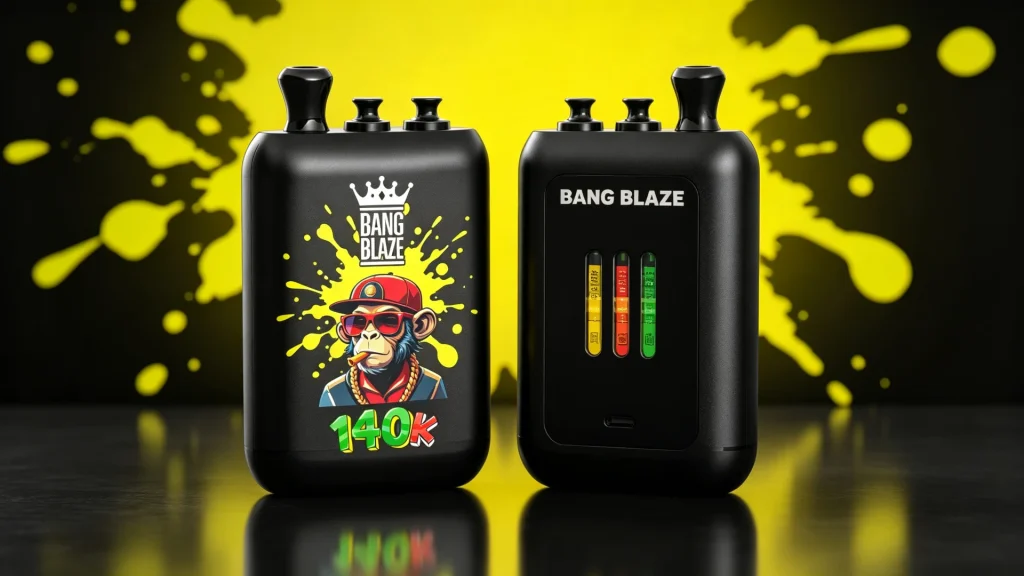
Purchasing high-capacity dual-flavour disposables such as the BANG BLAZE 140K (id 233) is a common wholesale requirement for distributors and retail chains in Spain and Italy. The device ships in 10-unit display boxes (pack_size 10) and is available in multiple nicotine concentrations (0%, 2%, 3%, 5%). Many factory catalogs and supplier exports list paired flavours as single, concatenated strings — for example “BANG BLAZE 140K – Watermelon Ice / Strawberry Kiwi – 2% (Pack of 10)” or compact codes like “BANG-140K-02-WTMLN+STRWKIWI”. When those raw strings are pasted directly into ERP systems or purchase orders, pickers and stock teams can misinterpret pairs and generate duplicate SKUs or wrong dispatches.
Use the reorder-row approach in this guide to parse paired-flavour strings into clear, ERP-friendly columns. This reduces picking errors, keeps inventory counts accurate, and simplifies intra‑EU paperwork when you prepare proforma invoices or packing lists. For live model and flavour lists consult the BANG BLAZE 140K product page: https://hiphopvapeshop.com/product/bang-blaze-140k/?lang=es and our Buying guides: https://hiphopvapeshop.com/en/guides/ .
##Hardware profile & packaging baseline
Keep these baseline facts in every order row to avoid ambiguity:
Brand: BANG
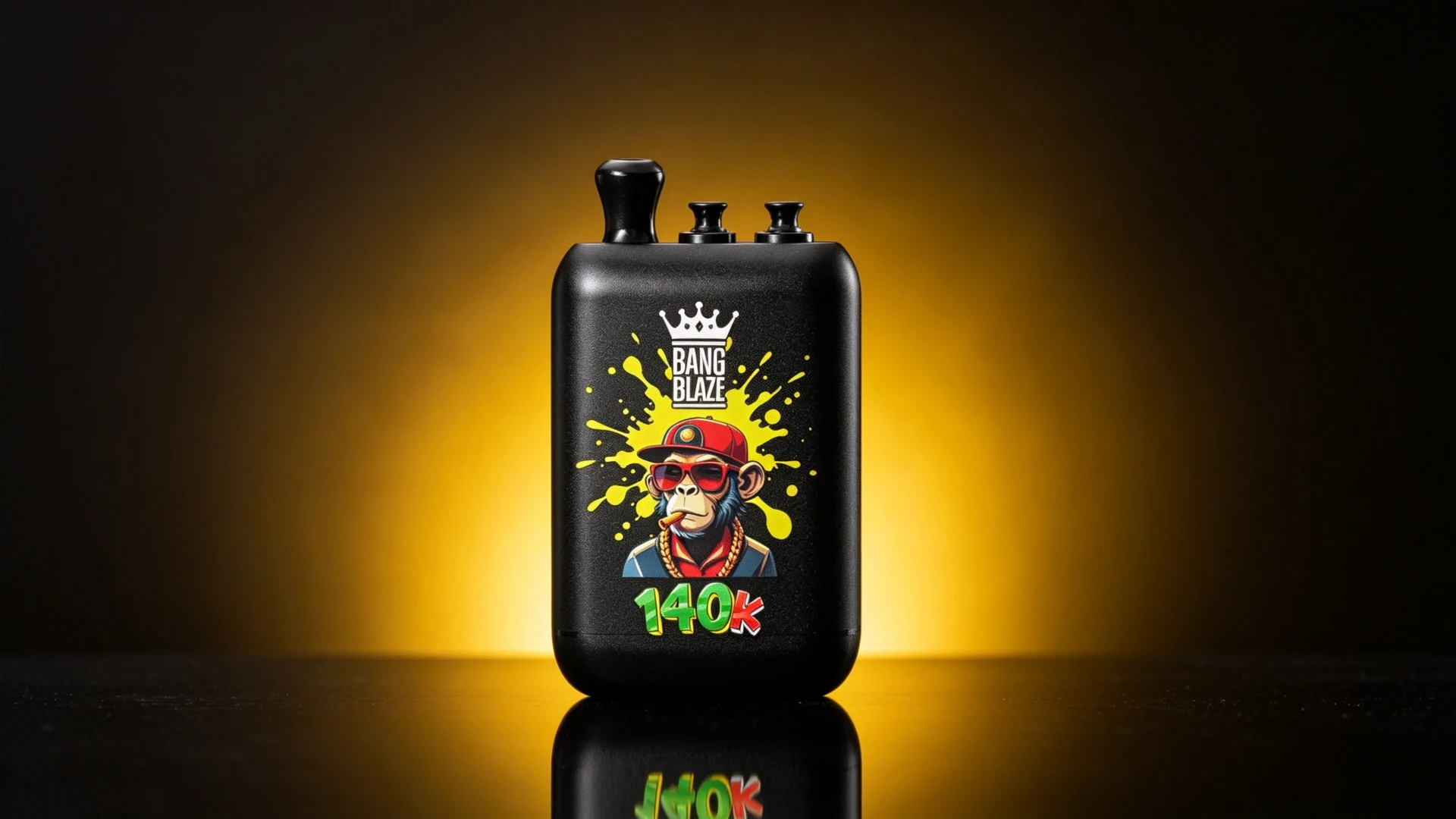
Model: BLAZE 140K (id 233)
Pack size: 10 devices per retail display box (pack_size 10)
Master case typical composition referenced by factory lists (master-case counts may vary by shipment)
Puff capacity: nominal up to 140,000 puffs (manufacturer benchmark)
Nicotine options: 0%, 2%, 3%, 5%
Flavour architecture: paired dual-flavour combinations (Flavour A & Flavour B) in one chassis
##Step-by-step string splitting: convert raw supplier strings into order rows
Wholesale exports commonly join model, paired flavours and nicotine into one cell. Use these quick methods to split them into columns your ERP or purchasing template can ingest.
Method 1 — Excel / Google Sheets: Text to Columns (Delimiter split)
1. Paste supplier product strings into Column A.
2. Use Data > Text to Columns (Excel) or Data > Split text to columns (Google Sheets).
3. Choose Delimited and select likely separators: "/" or "+" or "&". Run the split to extract the flavour halves into separate columns (B and C).
4. Clean residual characters with formulas such as =TRIM(B2) and =TRIM(C2).
5. Use additional formulas or Find/Replace to normalise ampersands, percent signs and parentheses into your standard fields (Model, Flavour A, Flavour B, Nicotine %).
Method 2 — Regex extraction for scriptable imports (Python/SQL/ERP with regex)
If you import via a script or your ERP accepts regex, apply a pattern that captures the key groups: model, flavour A, flavour B, nicotine. Example pseudo‑pattern (adjust to your platform):
Find groups like:
– model: ^(BANGs*BLAZEs*140K)s*[-:]?
– flavours: ([^-(n]+?)(?:/|+|&)([^-(n]+?)
– nicotine: (d+%|d+mg|0%)
A robust import routine also normalises common alias tokens (WTMLN -> Watermelon, STRWKIWI -> Strawberry Kiwi) before finalising SKU fields.
##Reorder row template (structured schema)
Submit orders using an explicit tabular schema so pickers and the warehouse see exactly one flavour‑pair per row. Keep the Brand and Model columns to prevent accidental substitutions.
Columns to include in the reorder row:
Brand Model Flavour Pair (standardised) Nicotine % Qty per Box Boxes to Order Total Units
Example rows (tab-separated):
BANG BLAZE 140K Watermelon Ice & Strawberry Kiwi 2% 10 25 250
BANG BLAZE 140K Blueberry Raspberry & Lemon Mint 2% 10 20 200
BANG BLAZE 140K Mango Peach & Pineapple Ice 2% 10 15 150
BANG BLAZE 140K Cherry Cranberry & Cool Mint 0% 10 10 100
BANG BLAZE 140K Grape Energy & Strawberry Banana 3% 10 10 100
Copyable CSV structure (comma-separated) — paste directly into ERP import or spreadsheet:
brand,model,flavour_pair,nicotine,qty_per_box,boxes_to_order
BANG,BLAZE 140K,"Watermelon Ice & Strawberry Kiwi",2%,10,25
BANG,BLAZE 140K,"Blueberry Raspberry & Lemon Mint",2%,10,20
BANG,BLAZE 140K,"Mango Peach & Pineapple Ice",2%,10,15
BANG,BLAZE 140K,"Cherry Cranberry & Cool Mint",0%,10,10
BANG,BLAZE 140K,"Grape Energy & Strawberry Banana",3%,10,10
##Common flavour aliases & abbreviation cross-reference
Standardise supplier shorthand to a single ERP label. Below are typical aliases seen in factory lists and quick messages; keep a small mapping table in your procurement SOP.
Watermelon Ice & Strawberry Kiwi
Aliases: WTMLN-STKIWI, WTMLN+STRWKIWI, Melón Agua + Fresa Kiwi (ES), Anguria Ice / Fragola Kiwi (IT)
ERP name: Watermelon Ice & Strawberry Kiwi
Blueberry Raspberry & Lemon Mint
Aliases: BLURASP-LMNT, Blue.Rasp / L.Mint, Arándano Frambuesa + Limón Menta (ES), Mirtillo Lampone / Limone Menta (IT)
ERP name: Blueberry Raspberry & Lemon Mint
Mango Peach & Pineapple Ice
Aliases: MNGPCH-PNICE, M.Peach / Pine.Ice, Mango Melocotón + Piña Hielo (ES), Mango Pesca / Ananas Ice (IT)
ERP name: Mango Peach & Pineapple Ice
Cherry Cranberry & Cool Mint
Aliases: CHRYCRAN-CLMNT, Ch.Cran / C.Mint, Cereza Arándano + Menta Fresca (ES), Ciliegia Mirtillo Rosso / Menta Fredda (IT)
ERP name: Cherry Cranberry & Cool Mint
Note: add new aliases to the mapping as you encounter them; keep the canonical ERP name unchanged.
##Operational benefits for Spanish & Italian wholesale logistics
– Fewer picking errors in cross‑dock and regional fulfilment centers (clear flavour-pair rows prevent splitting a paired device into two single-flavour picks).
– Cleaner proforma invoices and packing lists for intra‑EU movement when nicotine concentration and total unit counts are in separate columns.
– Better sales insights at store level: retailers can see which side of a paired flavour drives reorders and adjust boxes_to_order accordingly.
##Conclusion
Parsing paired-flavour strings into standard reorder rows for the BANG BLAZE 140K (pack_size 10) removes ambiguity and reduces supply‑chain errors. Use delimiter splitting in spreadsheets for quick fixes, and implement regex/scripted extraction for repeatable ERP imports. Maintain a short alias mapping table and always submit orders with Brand, Model, Flavour Pair and Nicotine % as discrete fields to ensure accurate picking and compliant intra‑EU documentation.